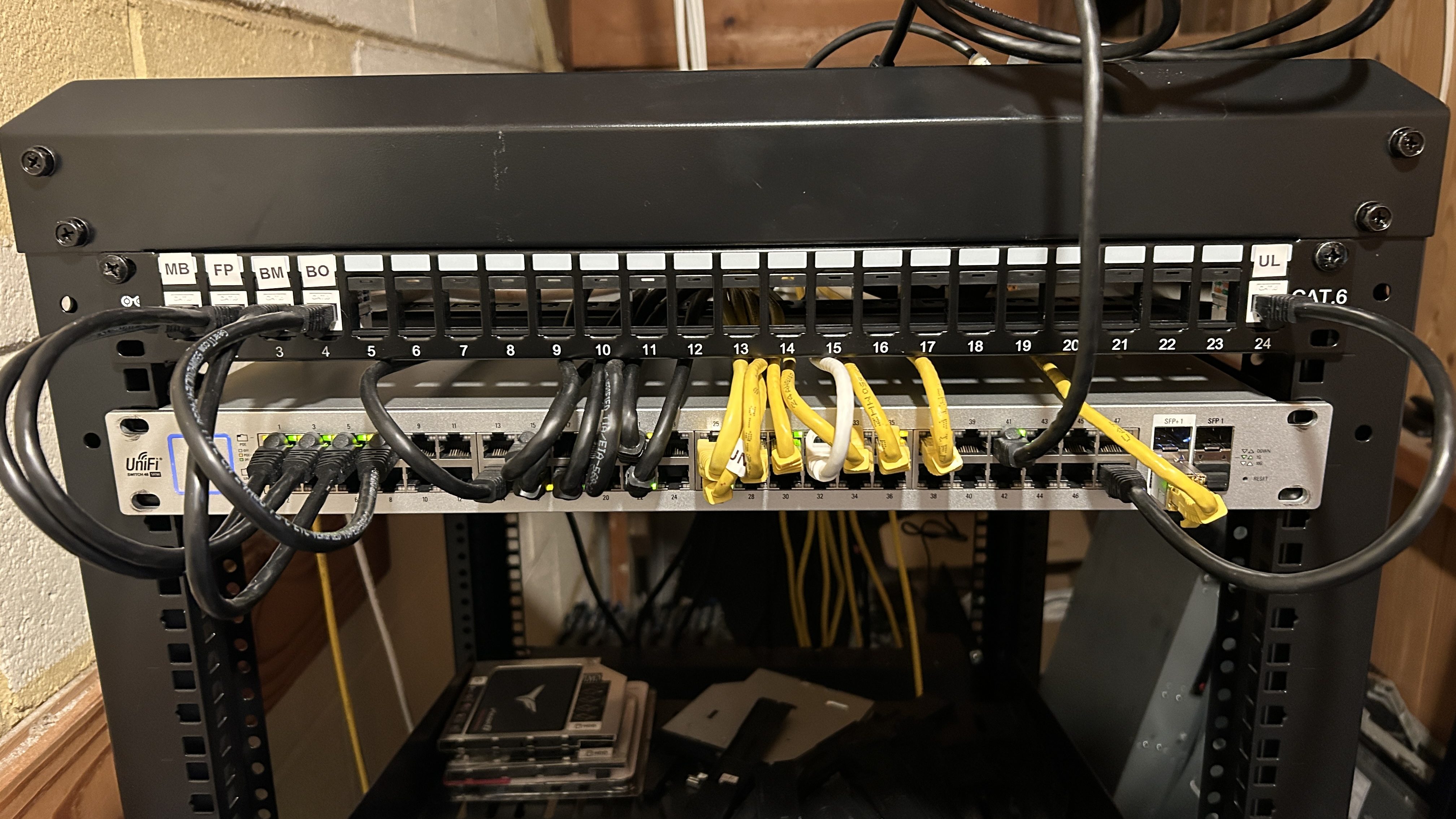
In this section I will review the physical networking my R740 is plugged into, what network features you will need for nested hypervisors, and how specifically I have configured my lab network.
For my lab networking I will be using 1x 1G and 1x 10G from my server for connectivity, so I need a lab switch with both speeds available. My network runs on UniFi network gear, but you don’t have to use UniFi networking since the network features that you will need are very common:
- VLAN support: You will want to be able to create multiple VLANs to isolate traffic and mimic production style deployments. I will review the VLANs I am using below.
- Trunk port support: You will want to be able to set your switch ports as trunk ports so that multiple VLANs be able to go over them. This is because we want to be able to have VLAN tagging, Linux Bonding, NIC Teaming, etc done inside our VMs to mimic what an actual hardware deployment would look like.
- Jumbo Frame support: You will want (and need) jumbo frames across your lab network for better performance and to mimic production style deployments.
- 1G and 10G support: You will want at least 1x 10G port on the switch so that you can run the nested environment at 10G, and so that the nested VMs communicate with each other over 10G. Nested storage will also work much better over 10G.
Switch Configuration
For reference my lab switch is an older Unifi US 48 PoE 500W, and I only have a single switch so I won’t be doing any advanced LACP on my network. The main reason I am using this switch for my lab is because it has 2x 10G SFP ports on it (#7 and #8 in the diagram), so it works for my port requirements that my R740 has (1x 1G iDRAC, 1x 1G hypervisor management, 1x 10G VM traffic) with way more ports to spare then I actually need:

The 1G and 10G switch ports connected to my R740 NICs are setup as “Allow All” from a VLAN standpoint for simplicity so that if I add VLANs in the future I dont need to do anything on the switch ports:

And I have Jumbo Frames enabled network wide:

Logical Networks
From a VLAN standpoint I am going to use the same VLAN and subnets for all hypervisors I’m testing to keep it simple. The main VLANs and subnet breakdown for the lab looks like this:
| VLAN ID | Usage | Subnet | Gateway |
| 1 | Untagged/iDRAC/Internet | 192.168.1.0/24 | 192.168.1.1 |
| 105 | Main MGMT Network | 192.168.105.0/24 | 192.168.105.1 |
| 200 | VM Migration | 192.168.200.0/24 | 192.168.200.1 |
| 300 | Test-VMs | 192.168.230.0/24 | 192.168.230.1 |
| 400 | Test-VMs | 192.168.240.0/24 | 192.168.240.1 |
| 500 | HCI Storage | 192.168.250.0/24 | 192.168.250.1 |
| 151 | External Storage 1 / Data1 | 192.168.151.0/24 | 192.168.151.1 |
| 152 | External Storage 2 / Data2 | 192.168.152.0/24 | 192.168.152.1 |
VLAN 105 will be my main network where DNS/AD live, where my jump/workstation VMs will live, and where all hypervisor management will live.
VLAN 500 will be for when I try out hypervisor HCI storage, for example OpenShift’s ODF.
The Data1 and Data2 networks will be for any external storage like iSCSI, NFS, SDC, NVMe-TCP, etc. In my case I will occasionally be using Dell external storage as part of my testing on these two data VLANs.
Leave a Reply