Category: Proxmox Nesting
-

Part 3.6: Deploy Nutanix Move and Migrate VMs to AHV
In this section we will deploy a Nutanix Move VM onto our AHV cluster, so it will run as a double nested VM in this scenario: Then we will use Move to perform V2V migrations of the ESXi based Linux and Windows VMs we created in Part1: Keep in mind…
-
Part 3.5: Deploy/Configure Prism Central and Connect the Cluster
In this section we will deploy a Nutanix Prism Central VM onto our AHV cluster since Prism Central is the multi-cluster manager similar in some ways to vCenter. It will also run as a double nested VM in this scenario, but if you do have problems you can deploy it…
-
Part 3.3: Install AVH, Create the Cluster, and Base Configure the Cluster
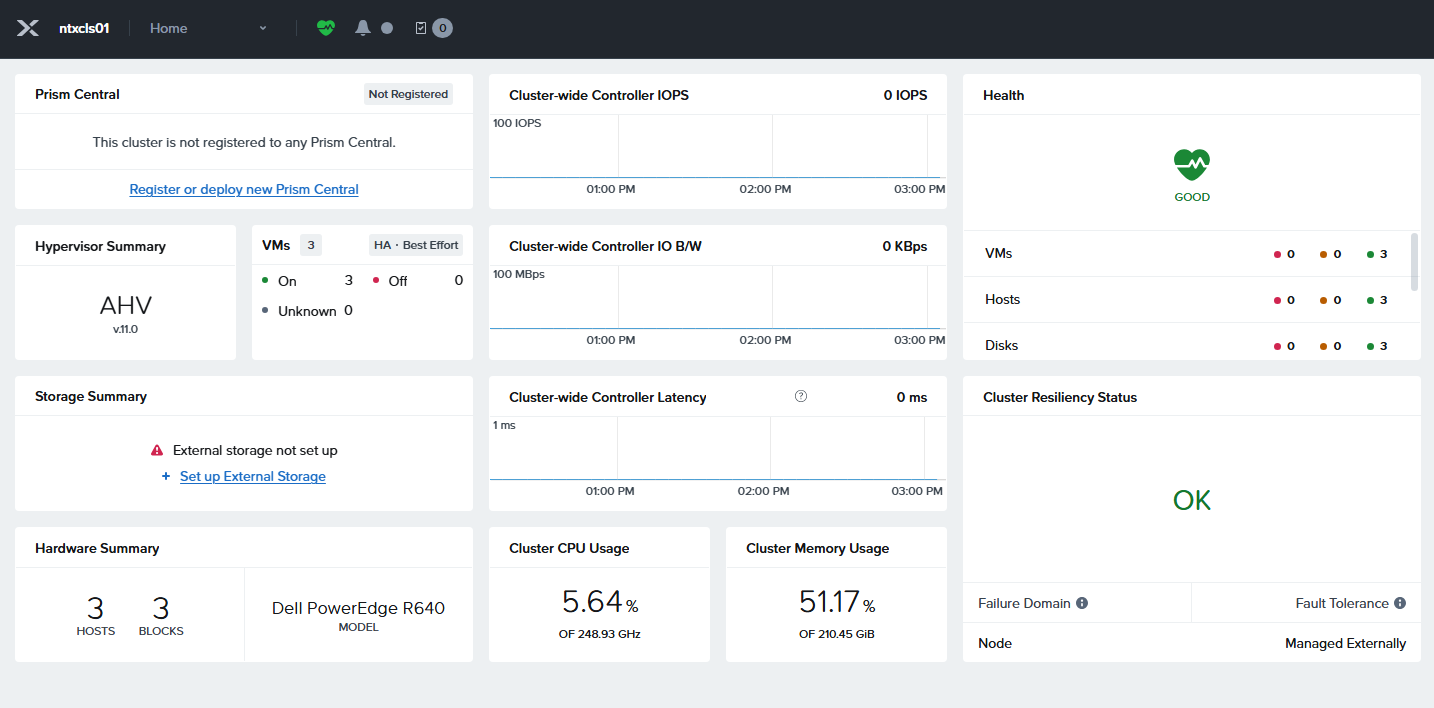
In this section we will use the AVH ISO with the Prism Central claim token to install AVH into our three Proxmox VMs. Then we will use Prism Central to build the Nutanix cluster. Finally we will base configure the cluster and get it ready for external Storage. By the…
-

Part 3.4: Connect External Storage to Finish Cluster Setup
In this post we will take the Nutanix compute only cluster we built in the previous post and connect it to external storage to finish the cluster setup. At the time of this posting Nutanix supports Dell PowerFlex and Pure Storage as external storage, with Dell PowerStore currently in early…
-
Part 3.2: Deploy and Configure Foundation Central
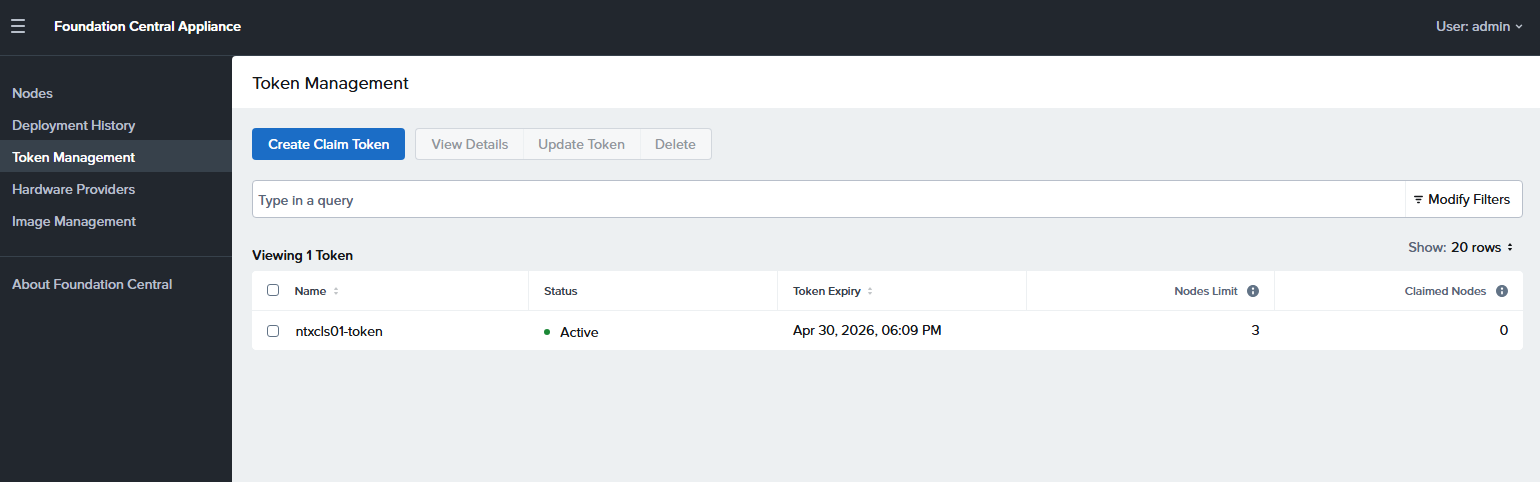
In this post we will deploy Foundation Central onto our Proxmox host along side the three AHV VMs we created in the last post. We will then configure it to the point where we can use it to create our external storage based Nutanix cluster in the next post. Upload…
-
Part 3.1: Nutanix w/External Storage – Planning
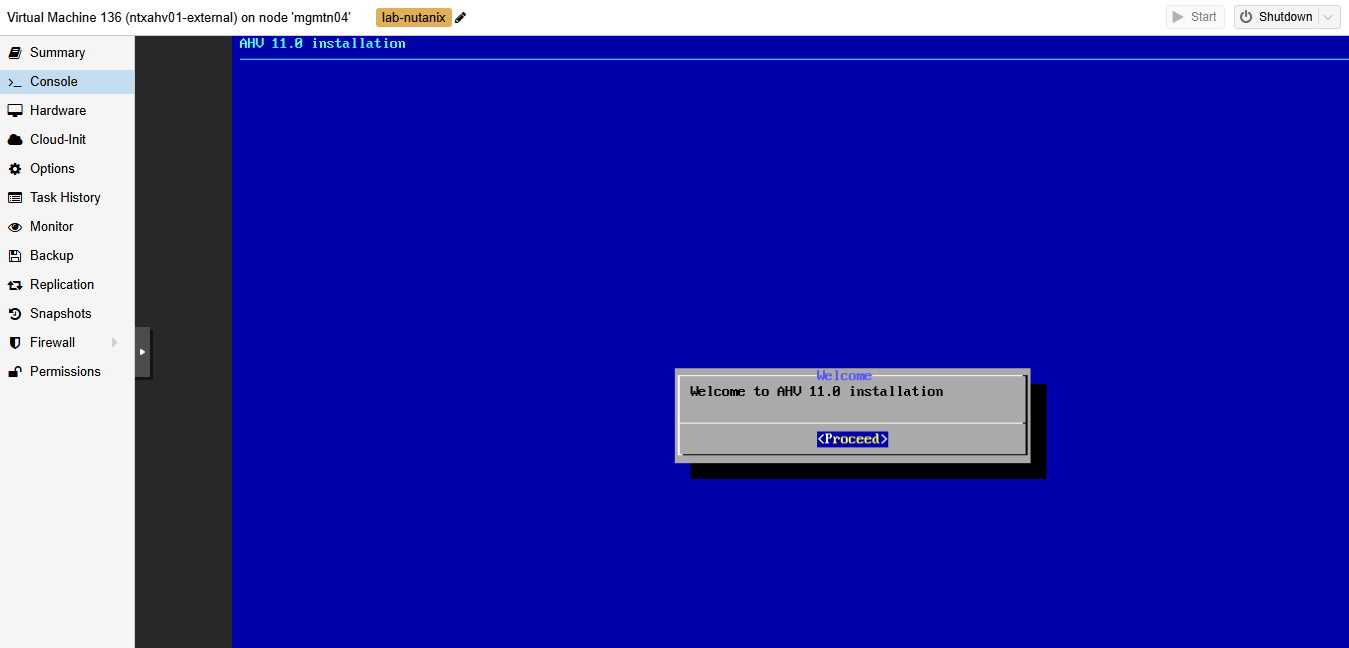
In this section I will review the prep work I did in my lab to get ready to deploy the Nutanix Cloud Platform into three nested VMs as a compute only based cluster on Proxmox, instead of three physical servers. Unlike in Part 2 where we used HCI storage for…
-

Part 2.6: Setup Basic Prism Central Disaster Recovery
In this post we will perform basic setup of Prism Central Disaster Recovery, protect one of the VMs we V2V’ed earlier in the series from our VMware environment, and perform a test restore to confirm everything is working. Since I am just using evaluation software with no licensing I wont…
-

Part 2.5: Shutdown, Snap, and Start Back Up the Nutanix Cluster
After going through all the work to setup the AHV cluster, Nutanix Move, and Prism Central now is a good time to go through the process to shut down everything cleanly, snapshot it in Proxmox, and then power it all back up. This way you have a rollback point with…
-
Part 2.4: Deploy and Configure Prism Central
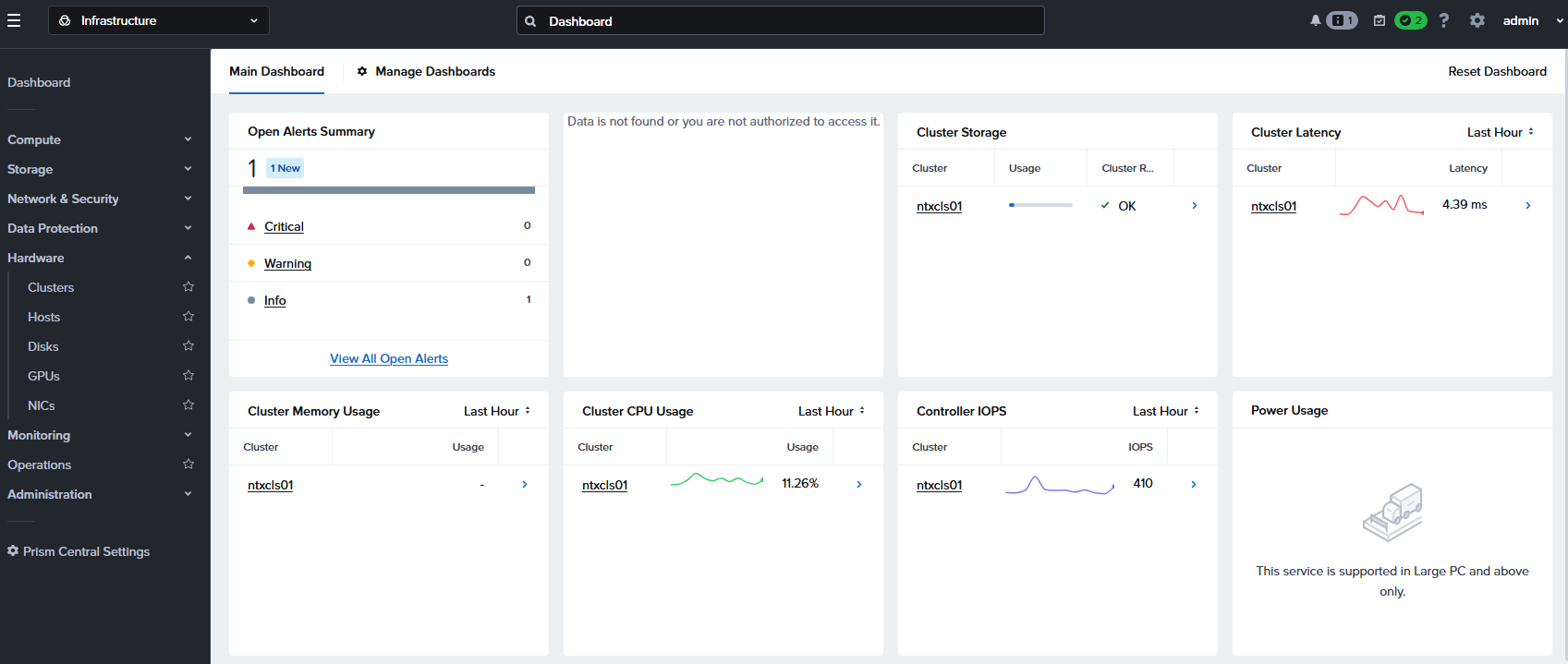
In this section we will deploy a Nutanix Prism Central VM onto our AHV cluster since Prism Central is the multi-cluster manager similar in some ways to vCenter. It will also run as a double nested VM in this scenario, but if you do have problems you can deploy it…
-
Part 2.3: Deploy Nutanix Move and Migrate VMs to AHV
In this section we will deploy a Nutanix Move VM onto our AHV cluster, so it will run as a double nested VM in this scenario: Then we will use Move to perform V2V migrations of the ESXi based Linux and Windows VMs we created in Part1: Keep in mind…